VCF Operations 8.18.6

Feb 27
1 min read
VCF Operations 8.18.6 just dropped, let's apply it! Go the Broadcom Support Portal and download it here.

Log into the Operations admin UI and take your Operations Cluster offline.

Provide a Reason.

Once done go to Software Update.
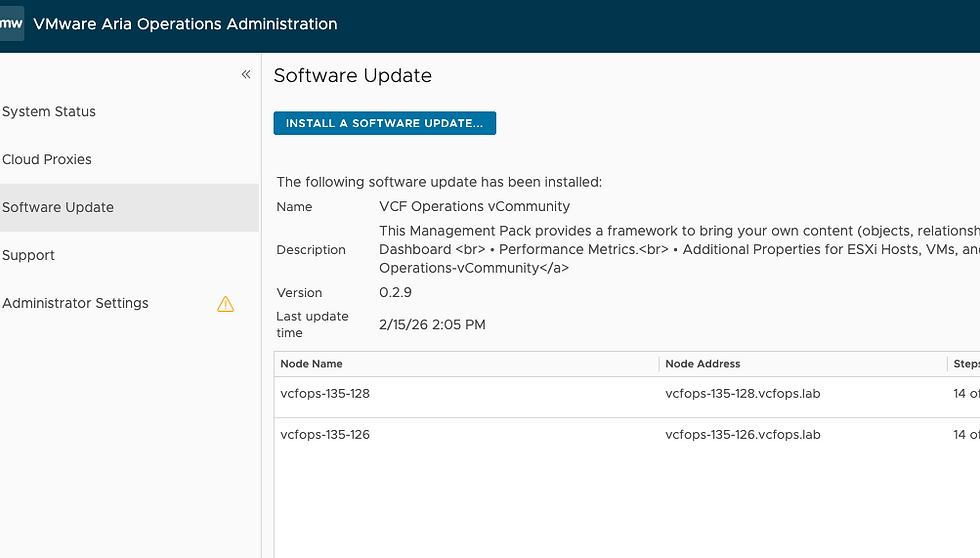
Point to the new 8.18.6 binaries and UPLOAD.

Click UPLOAD.

Click NEXT.

Click NEXT.

Click FINISH. The upgrade will take about 10m. Once done, the Operations Cluster will be back online and look like this in the Admin UI.

Notice we are now at 8.18.6. Hope this was helpful, enjoy!


Just we need to be aware that VROPS version cannot be upgraded to VCF OPS 9.0.1 or 9.0.2
Another great "How-to..." procedure, thanks Brock ^^
On a side note, I am using LCM to upgrade my Aria Operations 8.18.5 cluster and I had to go through the (painful) LCM & vIDM patch installations as per https://knowledge.broadcom.com/external/article/426230#h_58133426620491769158209455 (took me the entire day to update LCM & viDM priori to start 8.18.6 Aria Ops upgrade)
Jc