Upgrade VCF Operations and Operations for Logs 9.0 to 9.0.1

Yesterday we upgraded VCF Operations Fleet Manager 9.0 to 9.0.1, today we'll upgrade VCF Operations and VCF Operations for Logs 9.0 to 9.0.1. Let's go!
As before, I'm using an Online Depot to pull binaries down from the Broadcom Support Portal. For more information on Depot Configuration, Broadcom Product Manager Arun Nukula has written a detailed blog here.

Go to Binary Management to find new binaries, these will be under UPGRADE BINARIES.

Select the operations 9.0.1 checkbox and click DOWNLOAD.

Select the Click here link for more details.

Click the In Progress tile to watch the download progress.
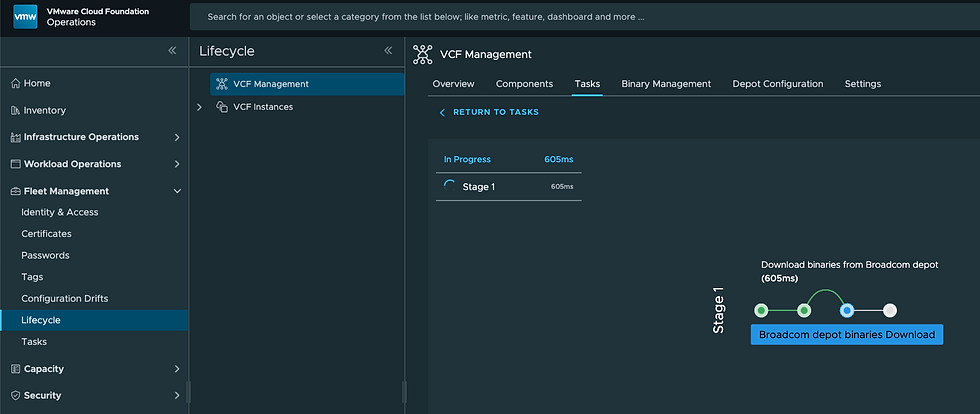
Once done it will look like this.

Do the same thing for the operations-logs 9.0.1 binaries. Once done your Binary Management - UPGRADE BINARIES tab will look like this.

Next, let's plan our upgrade. Got to the Components tab and select PLAN UPGRADE top right.

Once there select the Target Versions for operations and operations-logs.

Click CREATE PLAN.

Select UPGRADE on the right, we'll start with operations-logs.

Click PROCEED.

Your Component Version 9.0.1.0 and Repository will be pre-populated, select NEXT.

Take a Snapshot and retain it if you'd like. Click NEXT.

Click RUN PRECHECK.

Validations has passed, click NEXT.

Review and click SUBMIT.

Now just follow along and watch the progress.

And we're done! Back on the Components tab you'll see Operations for Logs is now upgraded to 9.0.1.

Now let's do Operations! Back on the Components tab click UPGRADE.

Click PROCEED.

Confirm choices and select NEXT.

Click RUN ASSESSMENT.

Once complete, it'll show like this.

Select DOWNLOAD REPORT to view it.

Mine looks like this, click NEXT.

Take a Snapshot and retain it if you'd like. Click NEXT.

Select RUN PRECHECK.

Review the results and click NEXT.

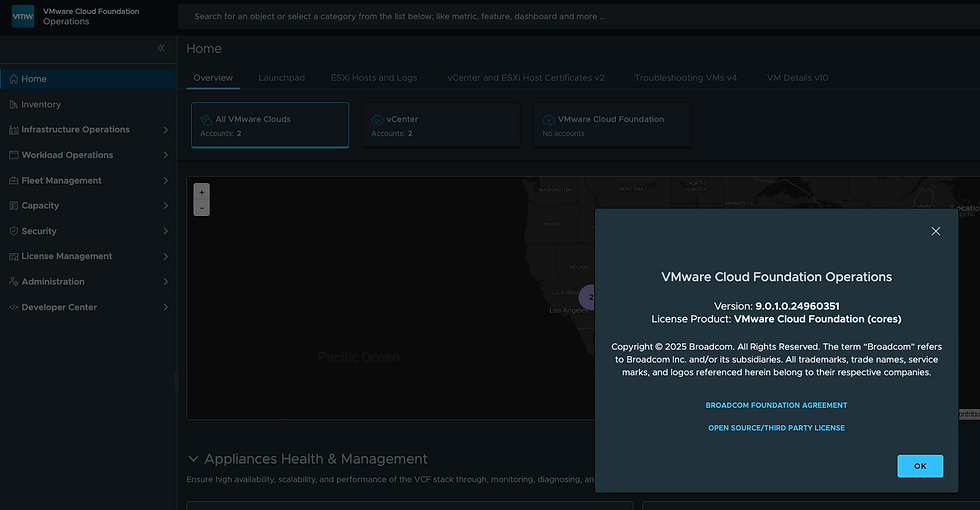
Click SUBMIT and we're off! This will take the Operations Cluster offline, once back on it'll show as upgraded.
Back in Fleet Management - Lifecycle - Tasks you'll see your upgrade task has finished.

Back on the Lifecycle - Components tab you'll see Operations is now at 9.0.1.

Both Operations and Operations for Logs have now been upgraded to 9.0.1. Hope this was helpful!


Nice work, really appreciate ALL your work on this site. Very helpful
Tom