Applying the VCF Automation 8.18.1 Update 4 Patch

I've upgraded to the latest patches for the Aria Suite Lifecycle Manager and vIDM:
I've upgraded Operations and Logs to 8.18.6:
Next we'll apply Automation 8.18.1 Update 4. There is a useful KB located here with binaries and instructions. I've uploaded the binaries to /data on my ASLCM VM and will now apply them.

Click ADD and you can watch progress here.

It will look like this.

Once complete it will look like this.
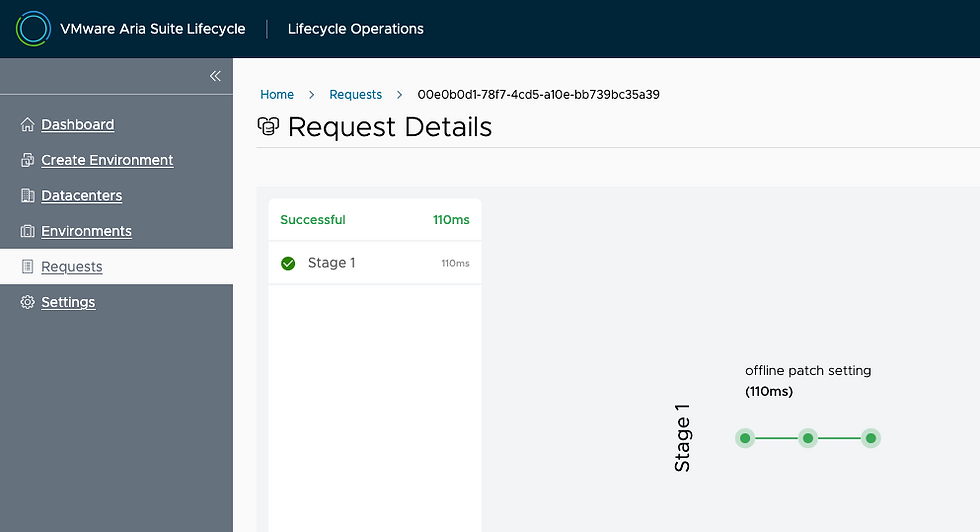
Back in Settings - Binary Mapping - Patch Binaries you will see this.

Next go to your Environment, then your Automation tab, select the 3 dots - Patches - Install Patch.

Select the Patch you just loaded and click NEXT.

Click RUN PRECHECK.

Confirm everything shows as Passed.

Click NEXT.

Click INSTALL and we're off!

Moving along it will look like this.

Took about an hour to upgrade and eventually finished!

You can see history over under your Automation tab and the three dots - Patches - History.

You can also verify via command line on the vRA VM itself.
root@vra-bpeterson [ ~ ]# vracli version patch
Installed patches:
24411566
24702833
24814205
24862833
25228700
With that, we're done, hope this was helpful!


Comments