Aria Suite Lifecycle Manager 8.18 Product Support Pack 5

Updated: Dec 28, 2025
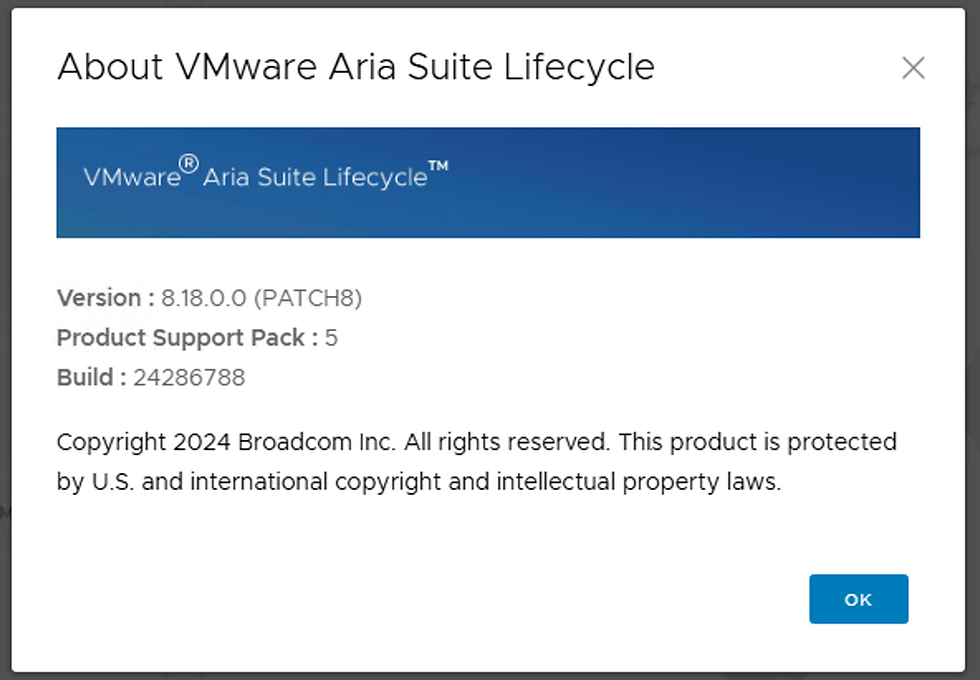
Yesterday we released Aria Operations 8.18.3 and Operations for Logs 8.18.3, today we dropped Aria Suite Lifecycle Manager 8.18 Product Support Pack (PSP) 5 to support those new releases. Log into the Broadcom Support Portal and download PSP, it'll look like this.

Once downloaded (.pspak) log into Aria Suite Lifecycle Manager and go to Lifecycle Operations - Settings - Product Support Pack.

Click UPLOAD and select your recently downloaded .pspak.

Click IMPORT.

Clicking on the details will show you progress.

Once done, it'll be available for application back on the Settings page.

Click APPLY VERSION.

Take a Snapshot and then SUBMIT. Waited about 3m for prompt to log back in and checked Settings again.

You can now load the Operations 8.18.3 and Operations for Logs 8.18.3 binaries and apply them. Enjoy!


Comments