Aria Suite Lifecycle Manager 8.18.0 Patch 9

Aria Suite Lifecycle Manager 8.18.0 Patch 9 recently dropped, artifacts can be found here.
As indicated in the Release Notes, if vIDM is ASLCM managed you should apply vIDM 3.3.7 Patch CSP-102547 first. There is a KB detailing this process here. I did this as a part of ASLCM 8.18.0 Patch 8, so we'll move directly to Patch 9.
As you can see I'm currently at ASLCM 8.18.0 Patch 8.
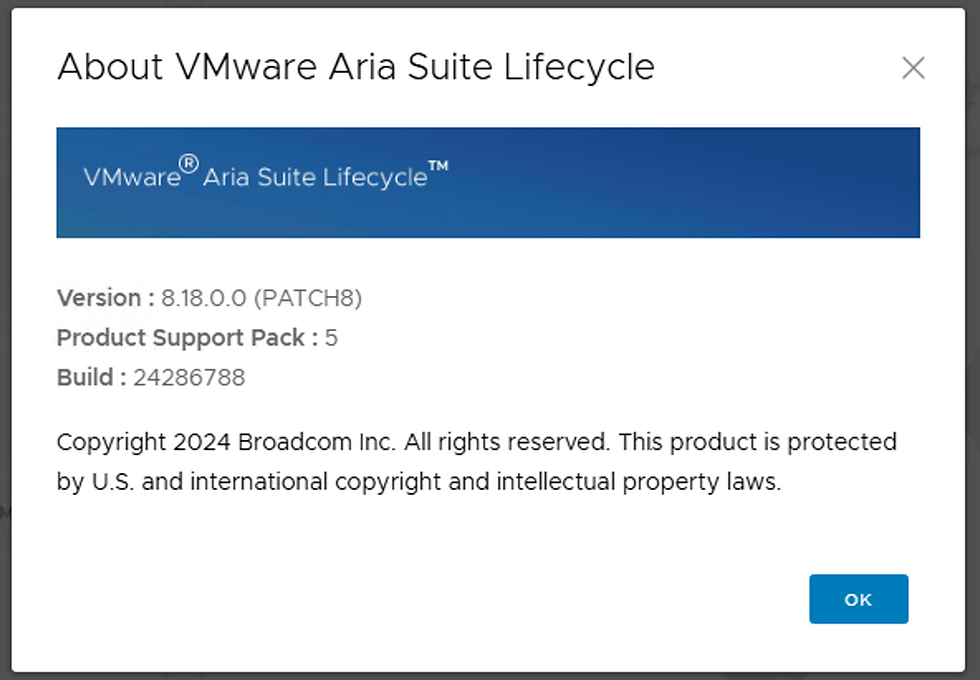
Once downloaded from the Broadcom Support Portal, upload the Patch 9 binary to /data on the ASLCM VM.
C:\Users\Administrator\Downloads>scp vrlcm-8.18.0-PATCH9.patch root@vrslcm-bpeterson.vcfops.lab:/data
Welcome to VMware Aria Suite Lifecycle Appliance on Photon
root@vrslcm-bpeterson.vcfops.lab's password:
vrlcm-8.18.0-PATCH9.patch 62% 1163MB 40.0MB/s 00:17 ETA
Now load ASLCM 8.18.0 Patch 9 via Lifecycle Operations - Settings - Binary Mapping - Patch Binaries - ADD PATCH BINARY.
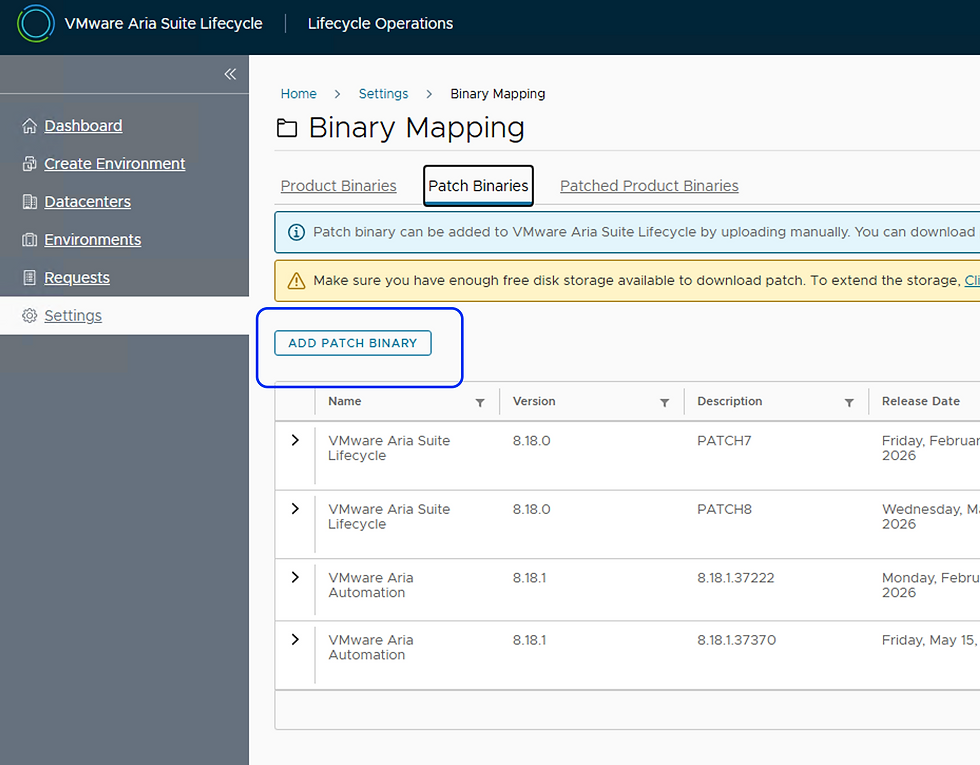
Click ADD PATCH BINARY.

Add /data to the Source Location field, select DISCOVER, then select the Patch 9 binary and click ADD.
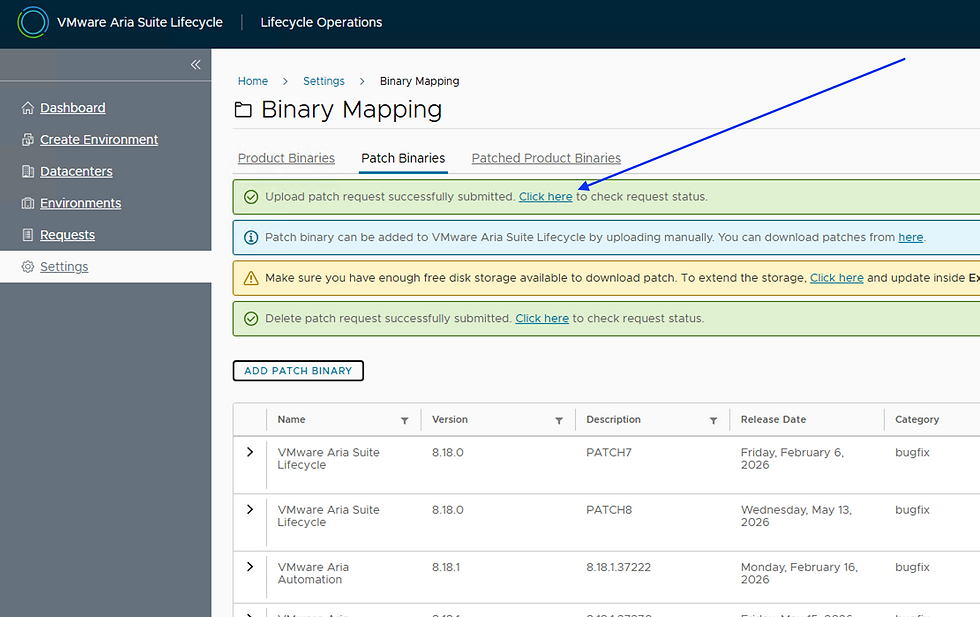
Select Click here to follow the progress.
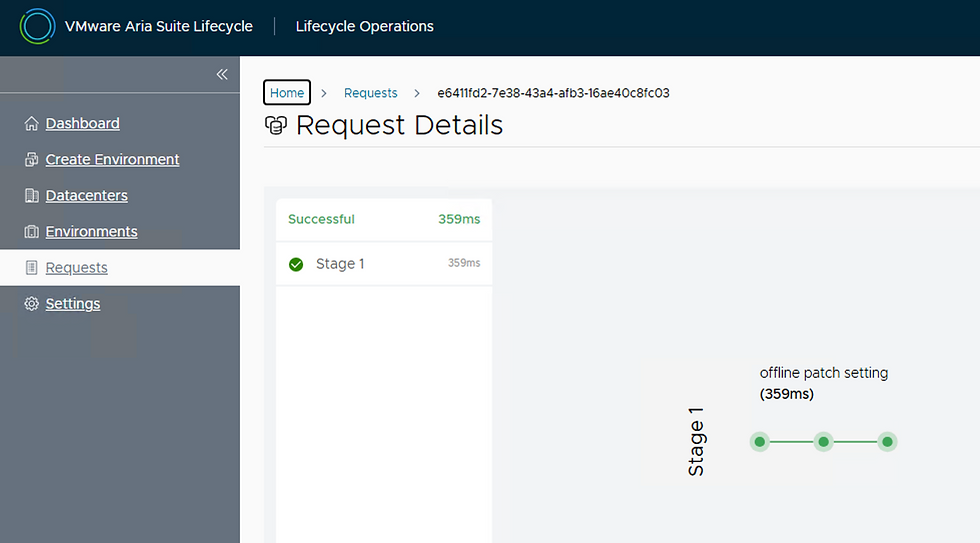
Once complete it will look like this. Next go to Lifecycle Operations - Settings - System Patches.
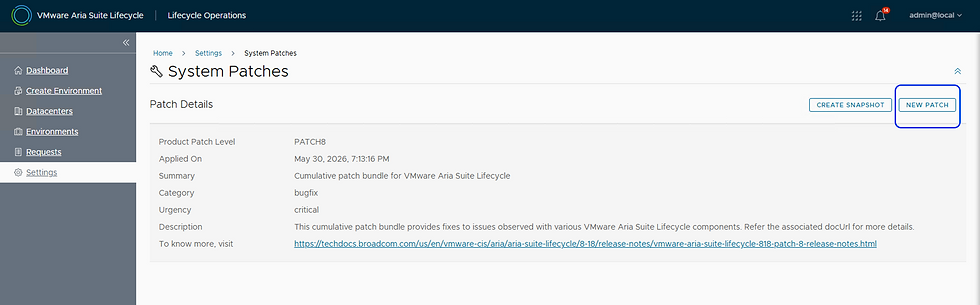
Select NEW PATCH.

Select PATCH9 and click NEXT.
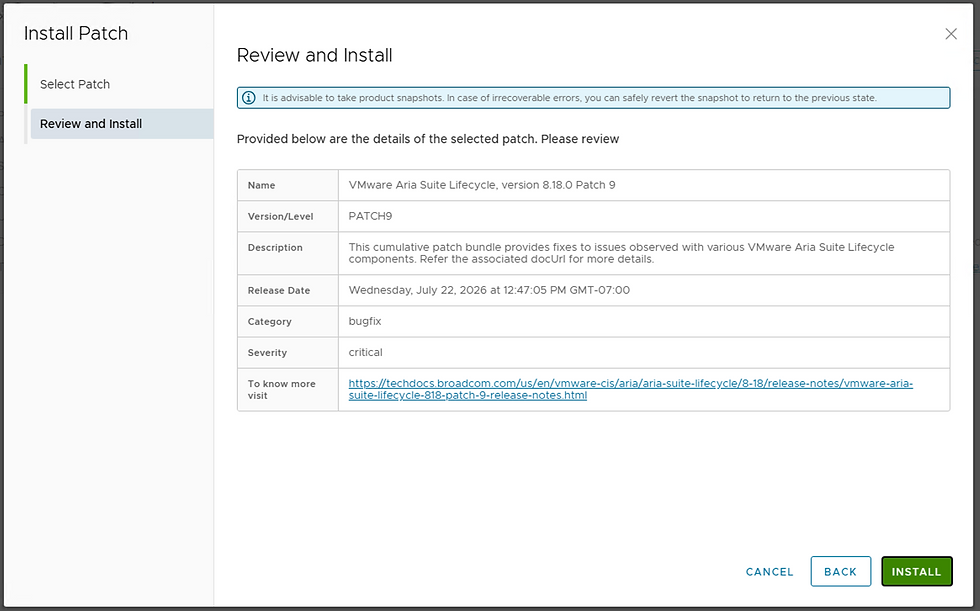
Review and click INSTALL.
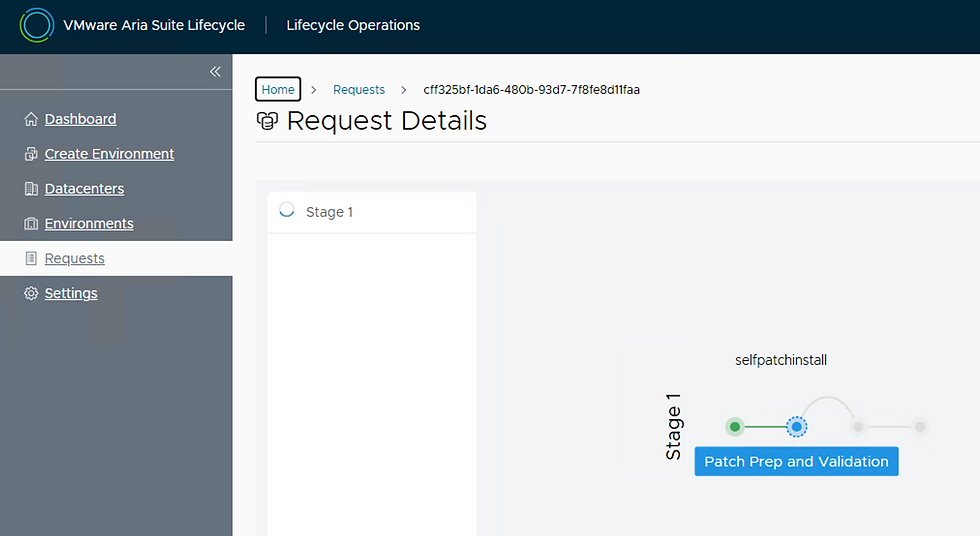
Following along for progress. Once complete, your About page will look like this.

We've successfully installed ASLCM 8.18.0 Patch 9, hope this was helpful!


Comments