Aria Suite Lifecycle Manager 8.18.0 Patch 10

Aria Suite Lifecycle Manager 8.18.0 Patch 10 recently dropped, artifacts can be found here.
As indicated in the Release Notes, if vIDM is ASLCM managed you should apply vIDM 3.3.7 Patch CSP-102547 first. There is a KB detailing this process here. I did this as a part of ASLCM 8.18.0 Patch 8, so we'll move directly to Patch 10.
As you can see I'm currently at ASLCM 8.18.0 Patch 9.

Once downloaded from the Broadcom Support Portal, upload the Patch 10 binary to /data on the ASLCM VM.
Once complete load ASLCM 8.18.0 Patch 10 via Lifecycle Operations - Settings - Binary Mapping - Patch Binaries - ADD PATCH BINARY.

Click ADD PATCH BINARY, add /data to the Search Location, click DISCOVER, select the newly added Patch 10, then click ADD.

If you'd like to watch progress click here.

Which will show like this once complete.

Once done go to Lifecycle Operations - Settings - System Patches and take a Snapshot before applying the Patch.

Provide the necessary vCenter target, credentials, and click SUBMIT.

If you'd like to follow along with progress click here.

Once complete it will look like this.

If you'd like, log into your vCenter and confirm the VM Snapshot is there.

It will look like this. We are now good to proceed, let's apply the Patch. Back on Lifecycle Operations - Settings - System Patches click NEW PATCH.

Select PATCH10 and click NEXT.

Review and click INSTALL.

Following along here.

Once done it will look like this.

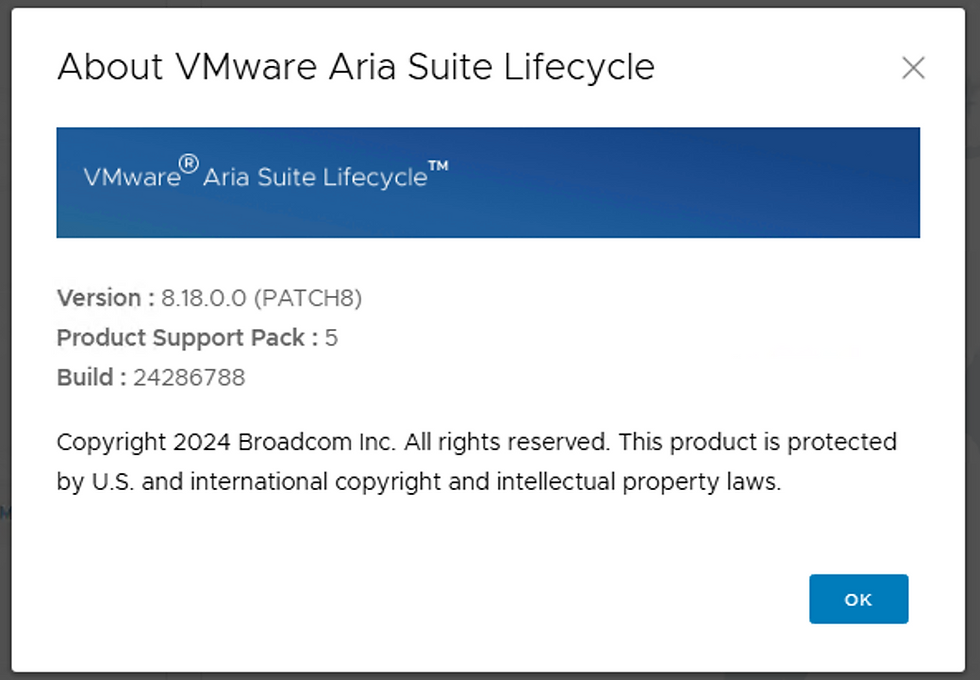
This will also be reflected on the About page (after reboot).

Hope this was helpful, enjoy!


Comments